![SprintSuite_Logo_Primary(RGB).png]](https://www.sprintsuite.com.au/hs-fs/hubfs/SprintSuite_Logo_Primary(RGB).png?height=40&name=SprintSuite_Logo_Primary(RGB).png)
The photos tab of a Job can be used to view / collate and upload relevant photos.
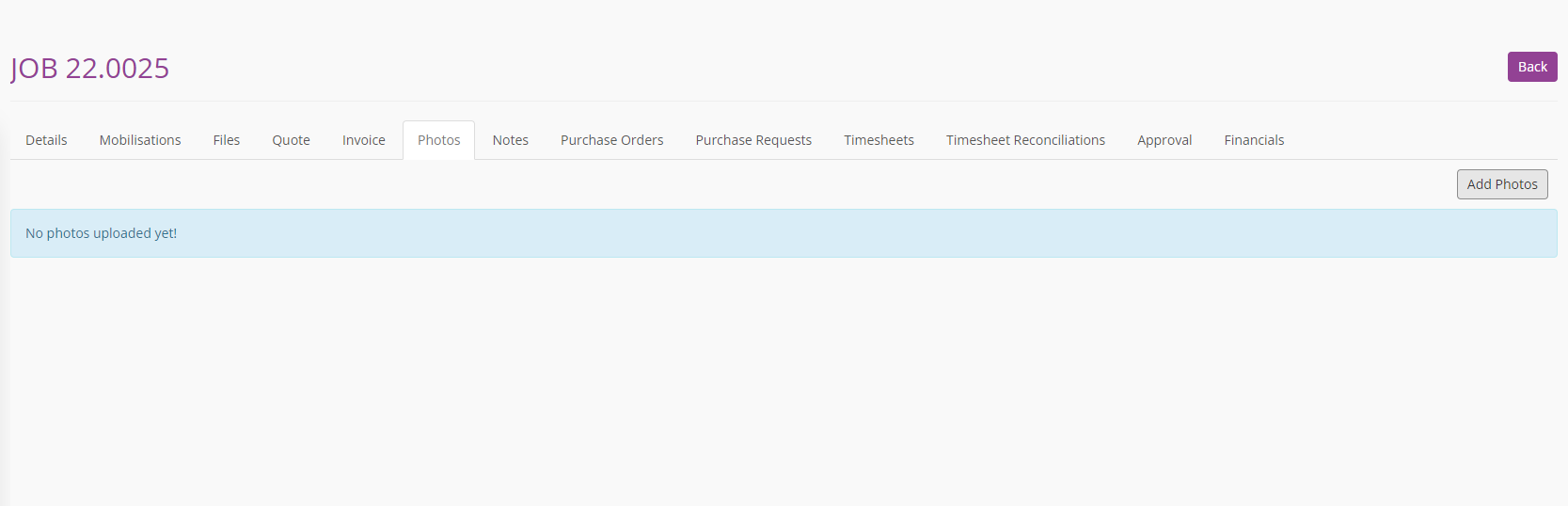
1. To upload a photo click the Add Photos button on the right-hand side of the screen.
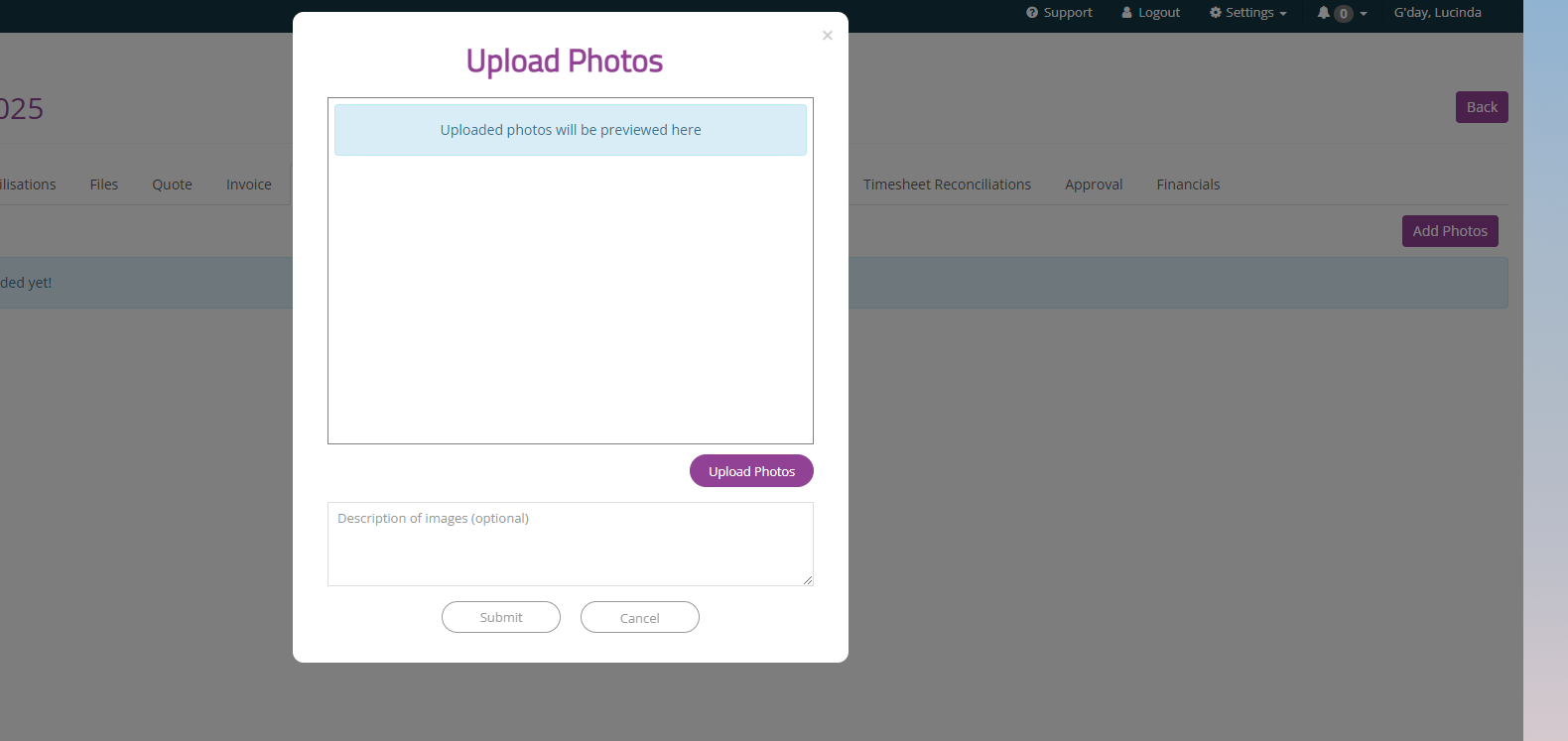
2. Select the photos you wish to upload from your desktop and press Open. 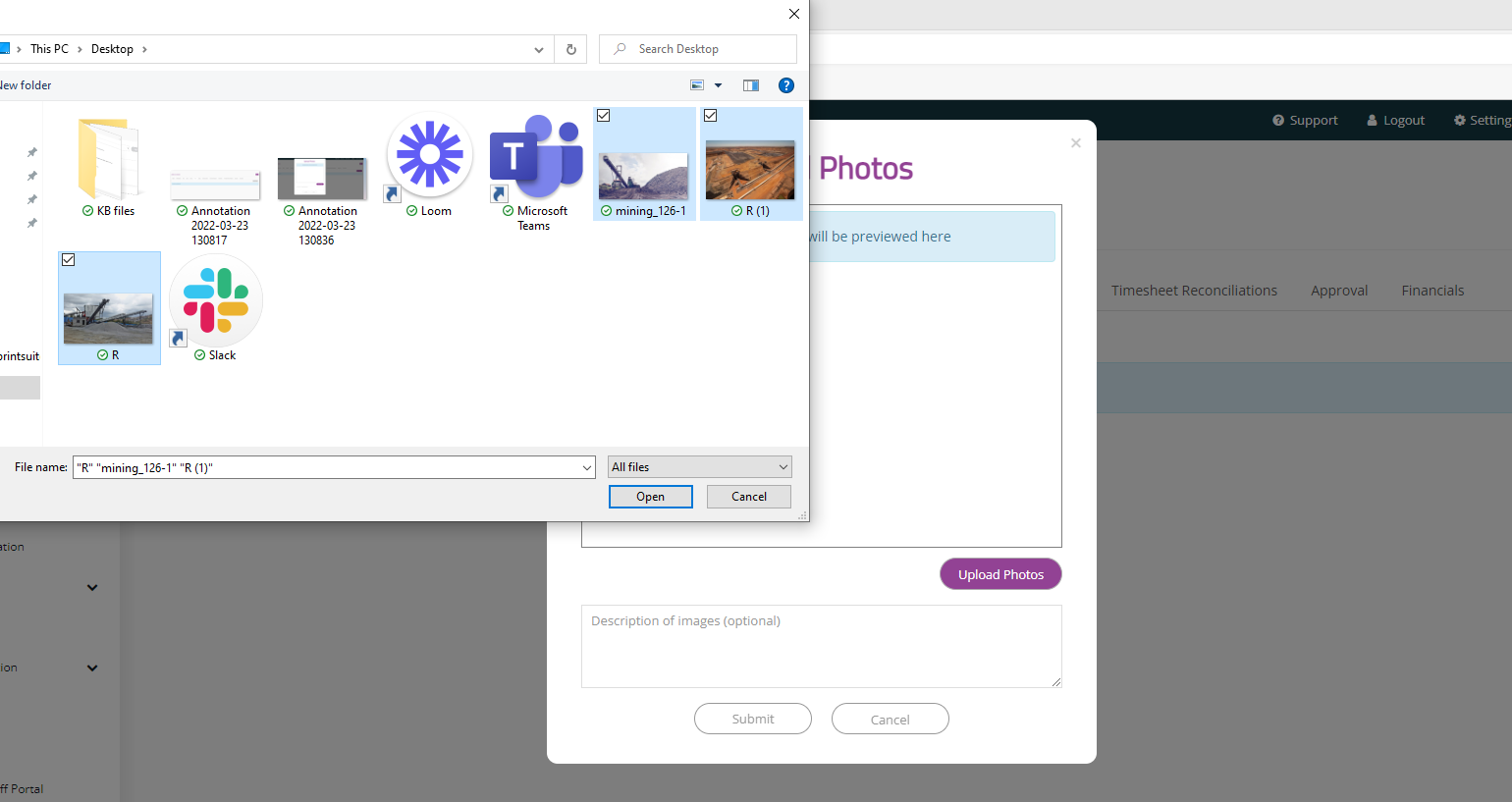
3. The selected photos will appear in the box once uploaded successfully, you can also add a description to the collection, and press Submit.
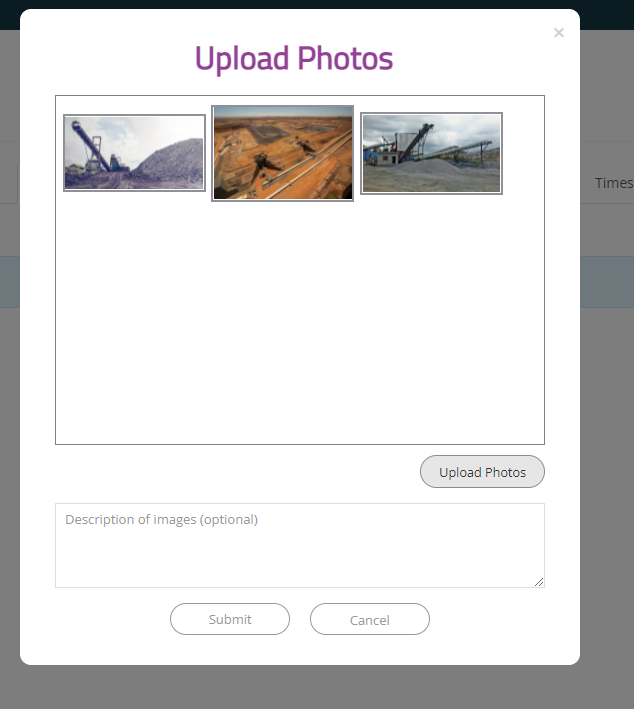
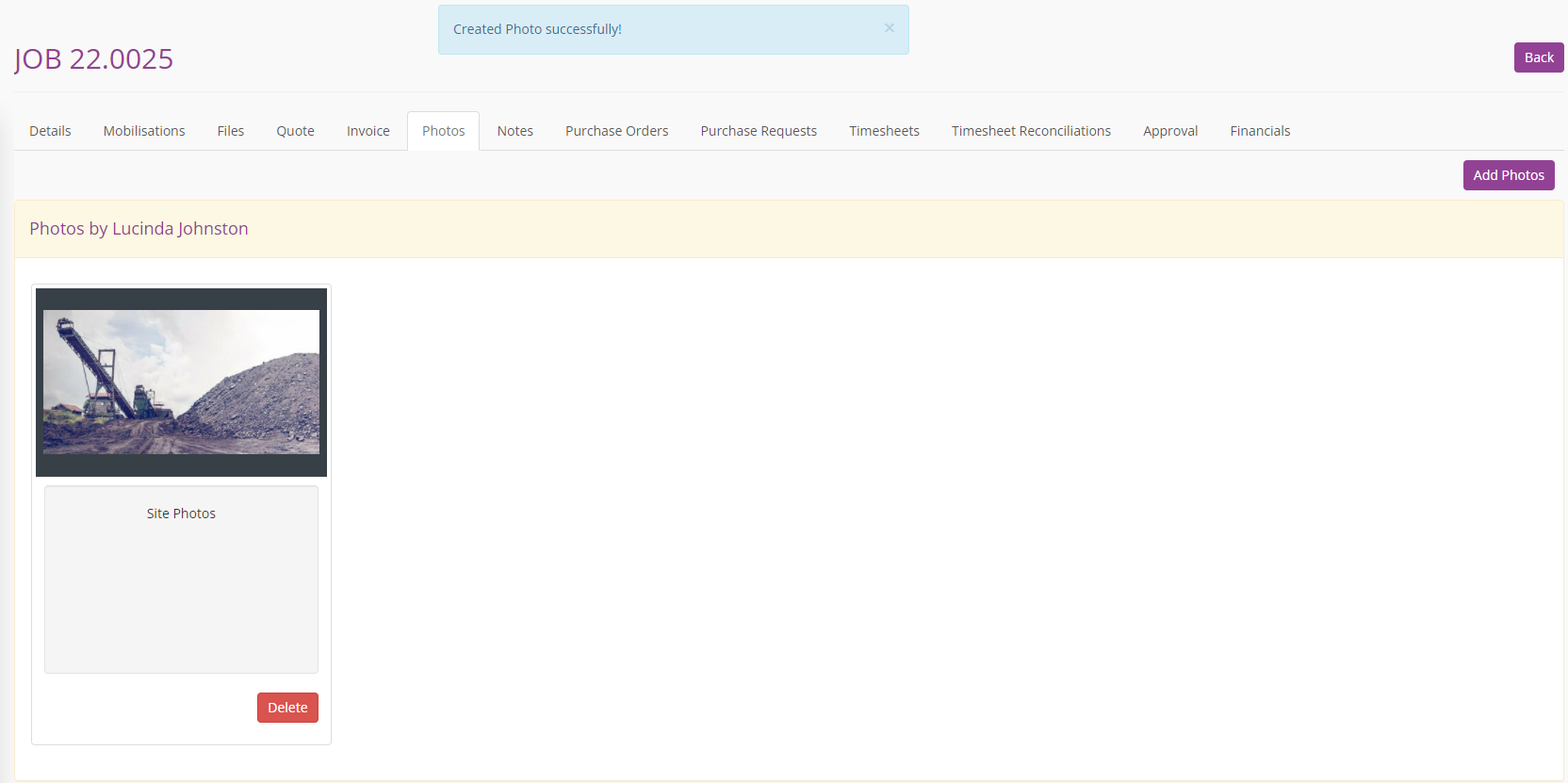
4. The photos will then appear in the folder, and a note on who uploaded them. They can also be opened to full screen view if required by clicking on the photo.