![SprintSuite_Logo_Primary(RGB).png]](https://www.sprintsuite.com.au/hs-fs/hubfs/SprintSuite_Logo_Primary(RGB).png?height=40&name=SprintSuite_Logo_Primary(RGB).png)
The staff schedules tab allows your staff to maintain and monitor overview of staff bookings and any availability, fatigue or leave booked.
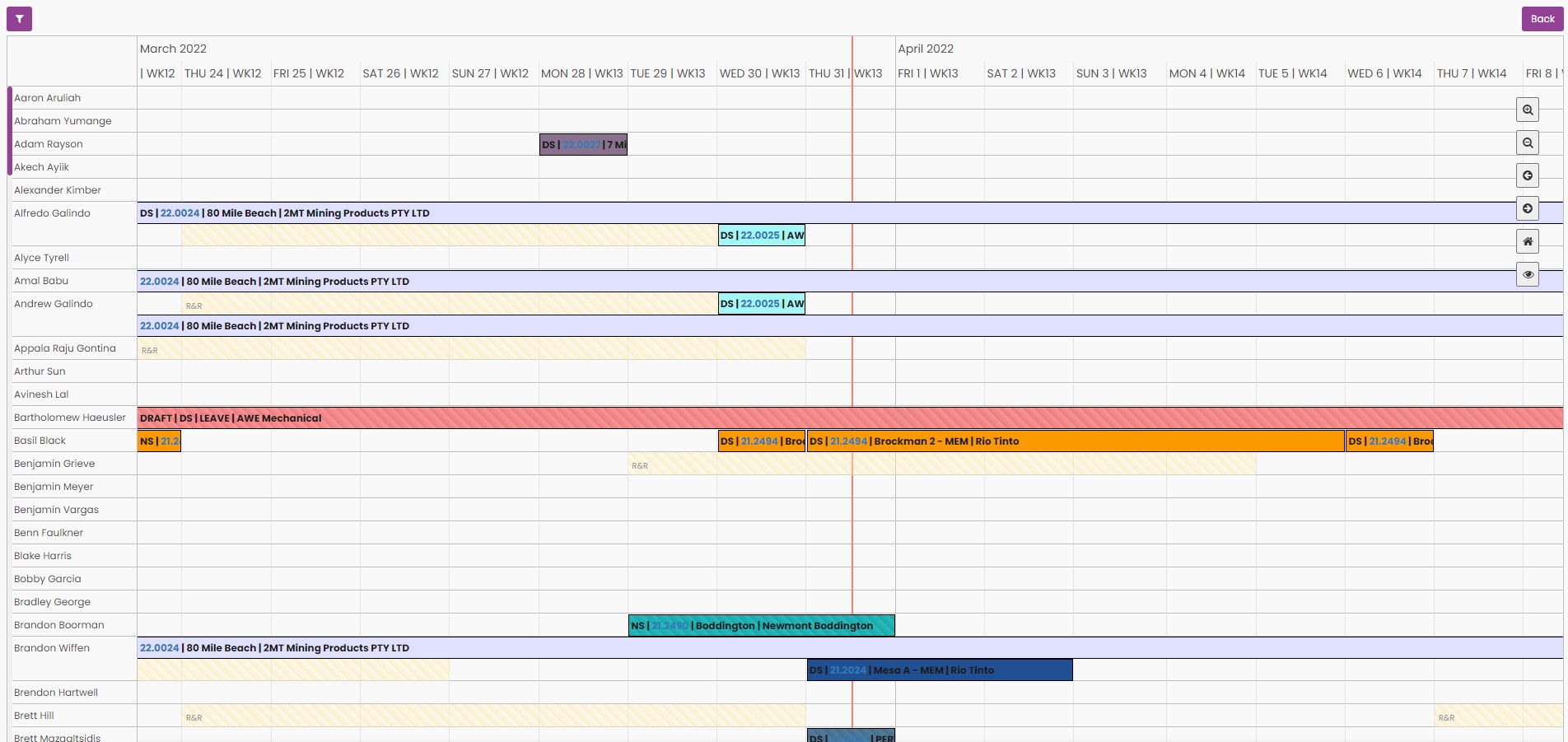
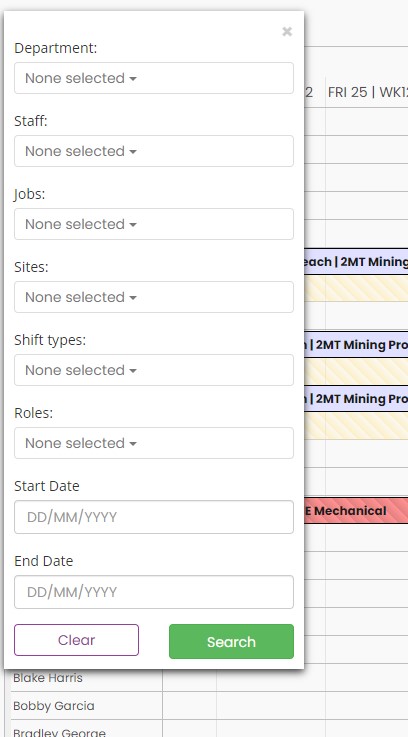
You can filter the results shown by pressing the Purple filter button in the top left corner of the screen.
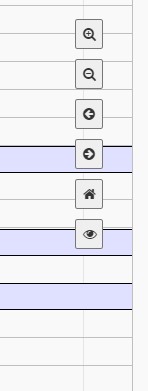
There are also icons available on the right hand side to help you navigate the schedule,
- there is the magnify icon to decrease the view to weekly / daily
- the minimize icon to increase view to weekly/ monthly
- back arrow to move your view back per week, back per month
- forward arrow to view staff schedules forward per week and forward per month
- the home icon allows you to go back to your original view when you first opened the schedule
- the eye icon allows you to move your view up or down the staff list
Each staff members mobilizations will show up up on this schedule, there is also the ability to see any booked Fly in / Dive in and Fly out / Drive out details as well. You can see the staff members mobilization for that site / job in further details by pressing the job number appearing in blue.

You can also use this schedule to view any staff member on R & R (fatigue monitor) or annual / personal leave.
