![SprintSuite_Logo_Primary(RGB).png]](https://www.sprintsuite.com.au/hs-fs/hubfs/SprintSuite_Logo_Primary(RGB).png?height=40&name=SprintSuite_Logo_Primary(RGB).png)
- Access Settings and click on the Unit Type tab.

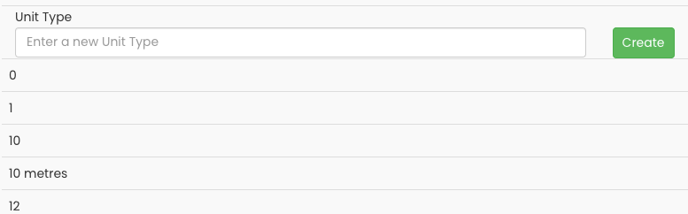
- In the Unit Types section, select 'Enter a New Unit Type' and complete the field with the required unit type description. Select 'Create'.

- Your newly created unit type should now be visible in the list below.
- To edit or delete a unit type, click the "pencil' or 'X' located on the right side of the page.

These unit types are applied when creating quotes for individual line items.